Directly from the manufacturer
Free delivery Australia wide
Fast delivery
Secure payment
Directly from the manufacturer

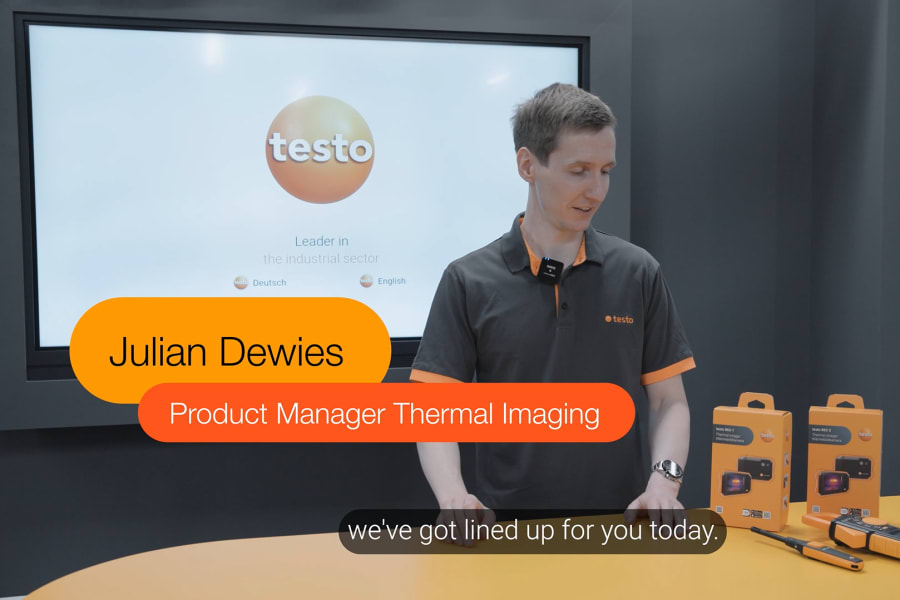
Hand-on demonstration of the testo 862 thermal imager
In this video our Product Manager explains how to get the most out of your thermal imager. We walk you through the user interface, introduce the key tools for analysing thermal images, and demonstrate how to turn your findings into clear, well-documented results.
The video covers
Using the interface
Learn how to navigate the main menu, customise the quick menu and check the image galleryAnalysing thermal images
See how measurement points, hot- and cold-spot detection, area frames, scales and colour palettes help interpret an image quickly.Working measurement functions
Using alarm limits, Delta T, DeltaHeat and intelligent mould detection for HVACR, electrical and building inspections.Reviewing and documenting results
Find out how to edit images, add notes, share findings and create reports using the testo Smart App or IRSoft.