
- Home
- Know How
- Thermal Imaging Camera
- Thermography software & reports: IRSoft, app & workflows | Testo
Thermography software and reports:
How to make thermal images comparable
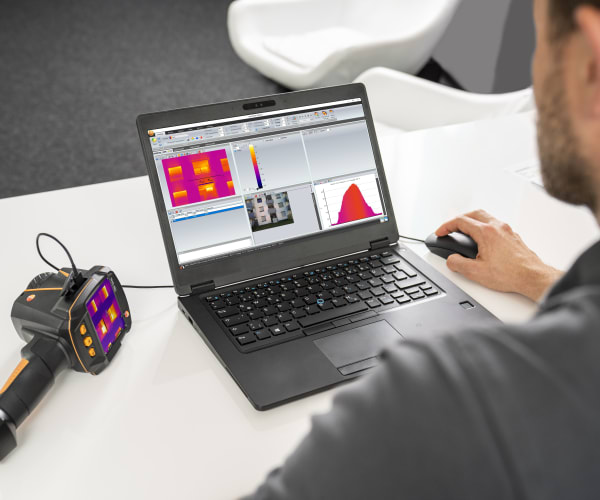
In everyday use, thermography will not fail because of the image capture, but because of comparability: images must be found again, measurement points must be set consistently, and results must be reported transparently. This is exactly where software and apps help – they standardize report content, reduce media discontinuities, and make recurring inspections visible as a trend rather than a collection of individual thermograms.
What does software concretely add to thermography?
Software brings four main benefits: structured image management (measurement points/assets/locations), standardized reports with documented parameters (scale, measurement points, settings), efficient data exchange (team, customer, post-processing), and recurring inspections as comparisons/trends. This reduces the risk of thermograms being misinterpreted or becoming irreproducible.
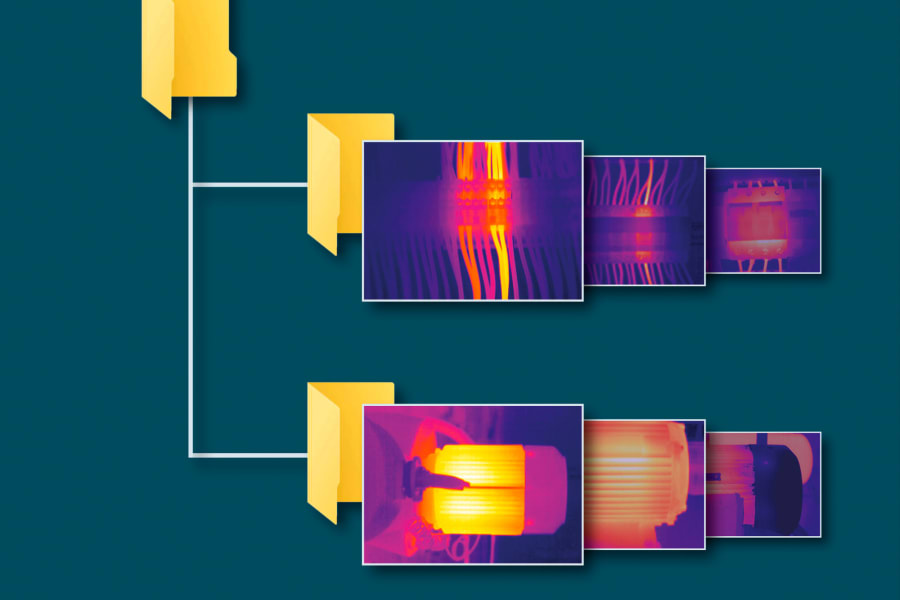
Image management: find, sort and reuse
Without image management, thermal images quickly become “file chaos”. Structured storage by location, asset and measurement point saves time and improves traceability.
Measurement-point logic (locations, assets, components)
A clear measurement-point logic answers: where was the measurement taken, on which component and from which perspective? The clearer this structure, the better repeat measurements and team handovers work.
Structuring comparative measurements
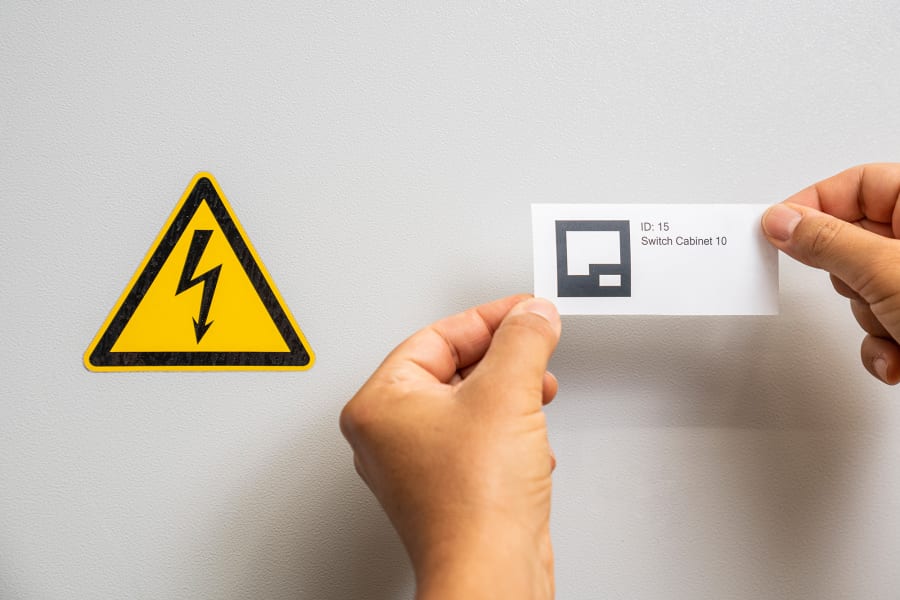
In electrical work, maintenance and PV, thermography is especially valuable when measurements are repeated – with consistent measurement points and comparable parameters. Define measurement routes (e.g. “Cabinet 1–50”), fix measurement points for each component using testo SiteRecognition and use a consistent scale logic. This makes deviations and trends visible across several inspection rounds.
Practical problem: many images, little time, report later. Solution: measurement-point structure (location→cabinet→outgoing circuit), standard report template, consistent scale logic, short comment for each anomaly (“note” + verification). Result: the inspection becomes comparable and measures can be prioritized.
Reports: standardize instead of using “screenshots”
A professional report makes thermography robust because it brings context, parameters and results together on one page.
What every thermography report should contain
At a minimum, document: measuring object/measurement point, date/location, boundary conditions (e.g. load state or weather), scale values, relevant settings (ε/RTC where relevant), marked measurement points and a clear assessment as note/recommendation (including a verification step).
Documenting scale logic and measurement points
Scales can change images significantly. When comparability matters (before/after a measure, trend), scale logic and measurement points must be documented consistently.
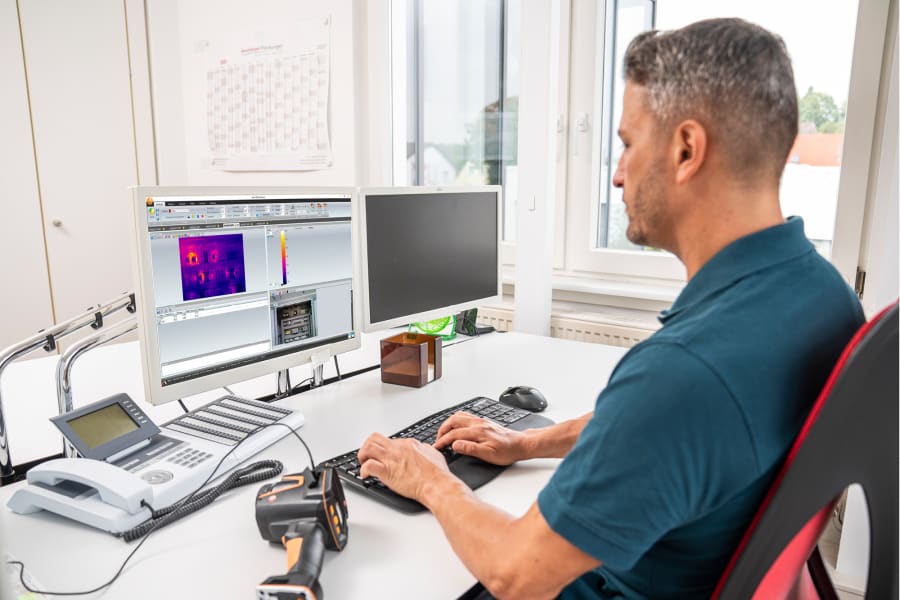
On-site documentation with an app
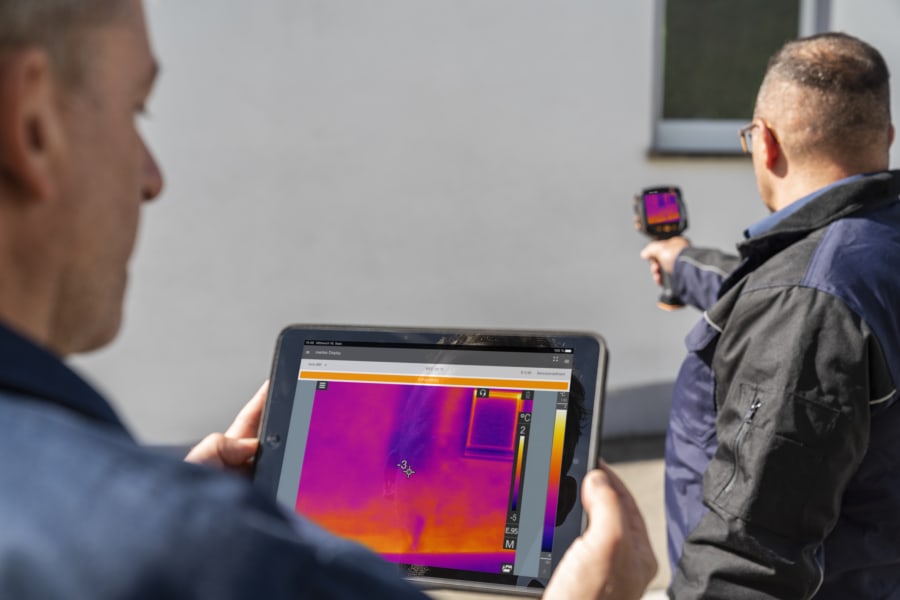
On-site reports reduce rework because measurement points, notes and images are brought together directly at the place of use.
Share faster, reduce media discontinuities
An app facilitates data transfer, approval and quick queries – especially when teams work across locations or results are needed at short notice.
Next steps: fundamentals and instrument selection
Once reporting and workflows are set up cleanly, the next step is to deepen the measurement parameters (ε/RTC/IFOV) and select a camera that matches the target size/distance and your documentation needs.
Do you have questions or would you like personal advice? Contact us!
We look forward to supporting you with our expertise and individual solutions.