Testo official store
Free delivery
Secure payment
Testo official store

testo SiteRecognition
100% reliable site recognition & automatic thermal image management.
Assign images yourself or let the camera do it for you – the choice is yours.
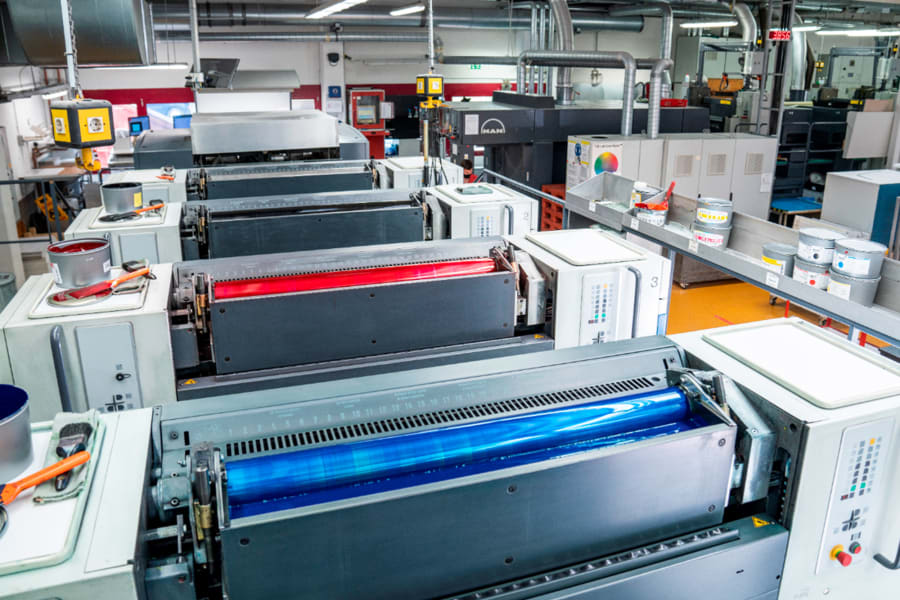
A lot of similar measuring objects mean a lot of similar thermal images. In order to be able to clearly assign the images to the different measuring locations after measurement, you previously had to create elaborate lists or add a voice comment to each individual thermal image.
Now, an innovation from Testo solves this problem: The testo SiteRecognition technology guarantees fully automatic measuring location recognition, as well as storage and management of thermal images resulting from inspections. This
rules out any mix-ups,
prevents errors during evaluation and
saves time by eliminating the need for manual image assignment on the PC.
Simple video explanation:
How do the site recognition and image management work?
There are 2 options:
1. Marking already available:
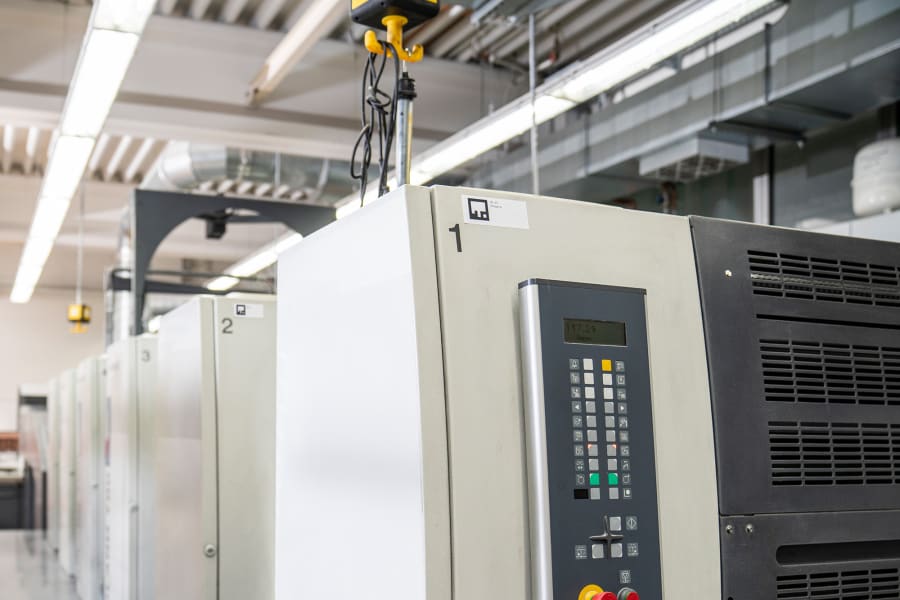
If the measurement objects and measuring locations are already marked using QR codes, Data Matrix codes or barcodes, these codes can be imported into the testo IRSoft software included in the delivery and transferred to the testo 883 thermal imaging camera.
2. Marking not yet available:
In the testo IRSoft software, which can be downloaded free of charge and without a licence, a list of the various measurement objects is created.
This can be done manually or by importing existing inventory lists.
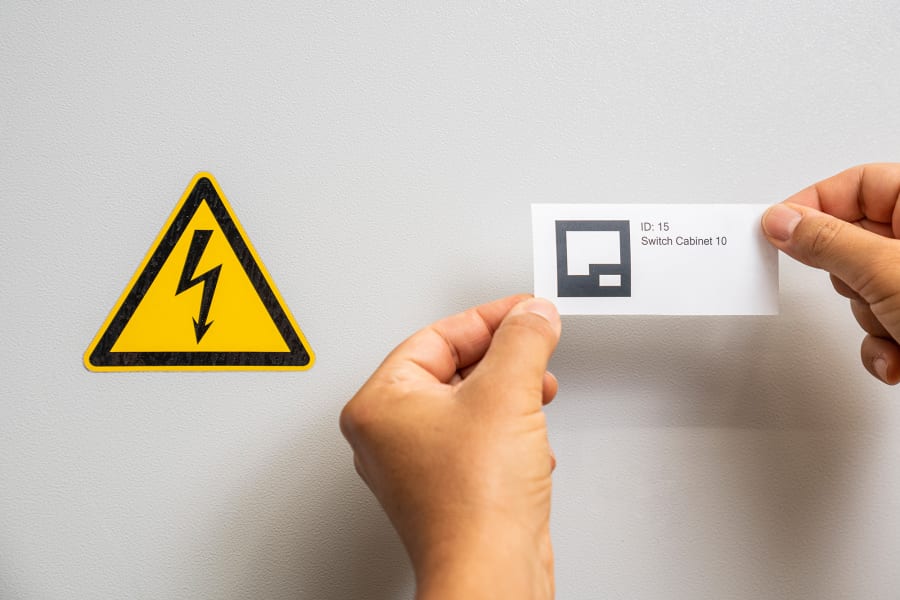
For each newly created measurement object, a new testo code is printed on standard labels and attached to the object, e.g. switch cabinet.
The data is then transferred to the thermal imaging camera.
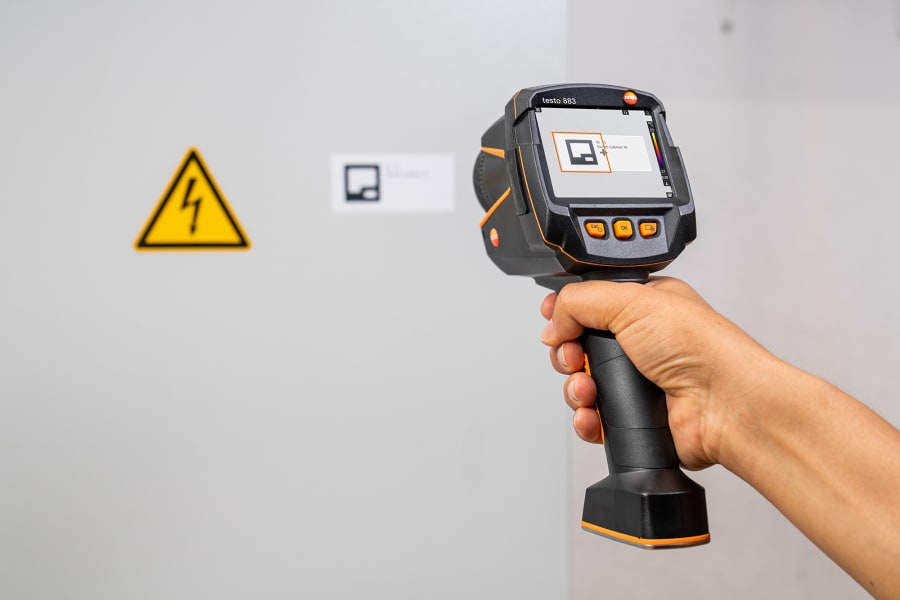
With both methods, the thermal imaging camera automatically recognises the codes when the thermal images are recorded and stores the information about the measurement object together with the thermal image.
During synchronisation with testo IRSoft, the stored information is used to transfer the images to the measuring location in the database and automatically assign it to the appropriate localisation site.
This means that every thermal image of a measuring location can be recognised and analysed using the testo IRSoft PC software. You also have the option of exporting your work results to third-party programs.
Video instructions
Importing inventory list
Thermography with testo SiteRecognition.