






















testo Smart App
Made to make it easy.
Extend the power of your Testo instruments.
One app connects to multiple devices, delivering application-specific interfaces and time-saving features.
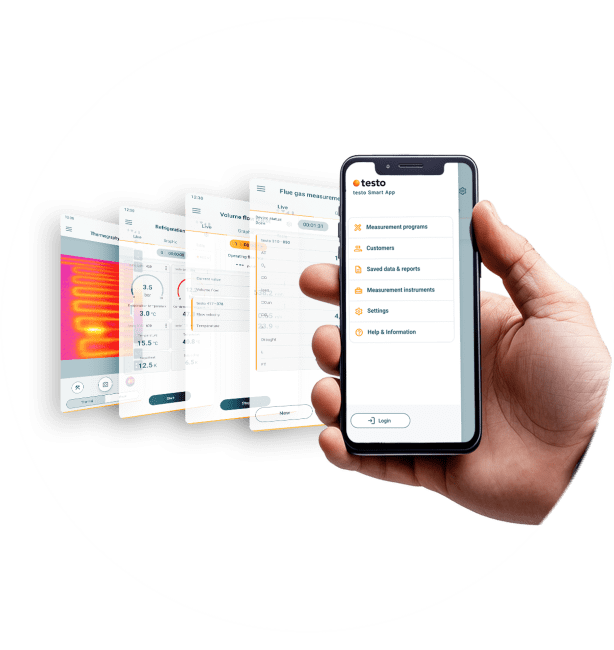
Download it now for free and get started
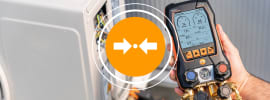
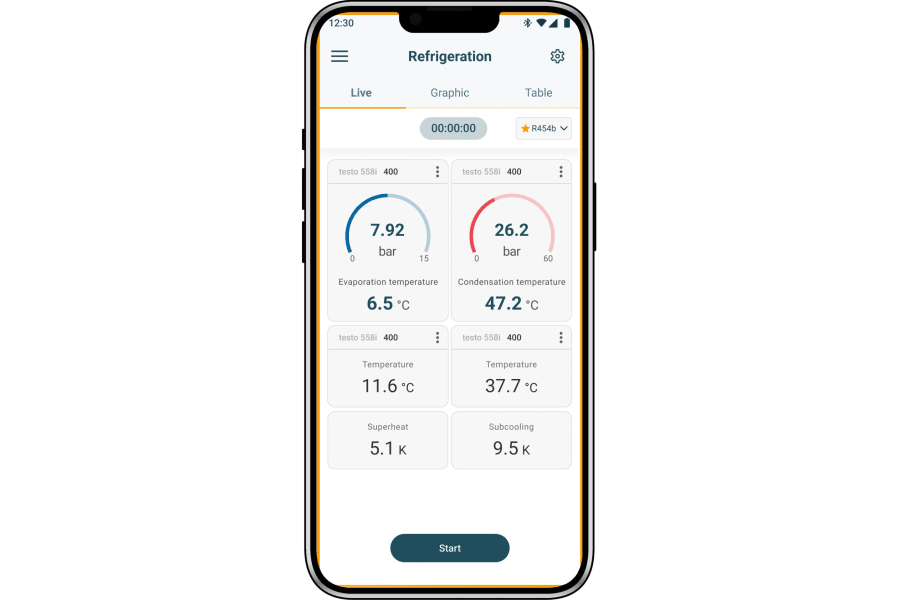
One click connection
Get connected with just one click, then automatic data synchronization does the rest.
Fast connection
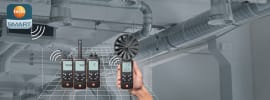
The app enables a simple and fast Bluetooth connection to all compatible Testo measuring instruments with just one click.Automatic synchronization
Measurement data are synchronized automatically between the app and the measuring instrument. This ensures a smooth flow of data, saving you valuable time.Flexibility
Use tablets and smartphones as secondary displays to monitor and analyze readings in real time.
Easy configuration
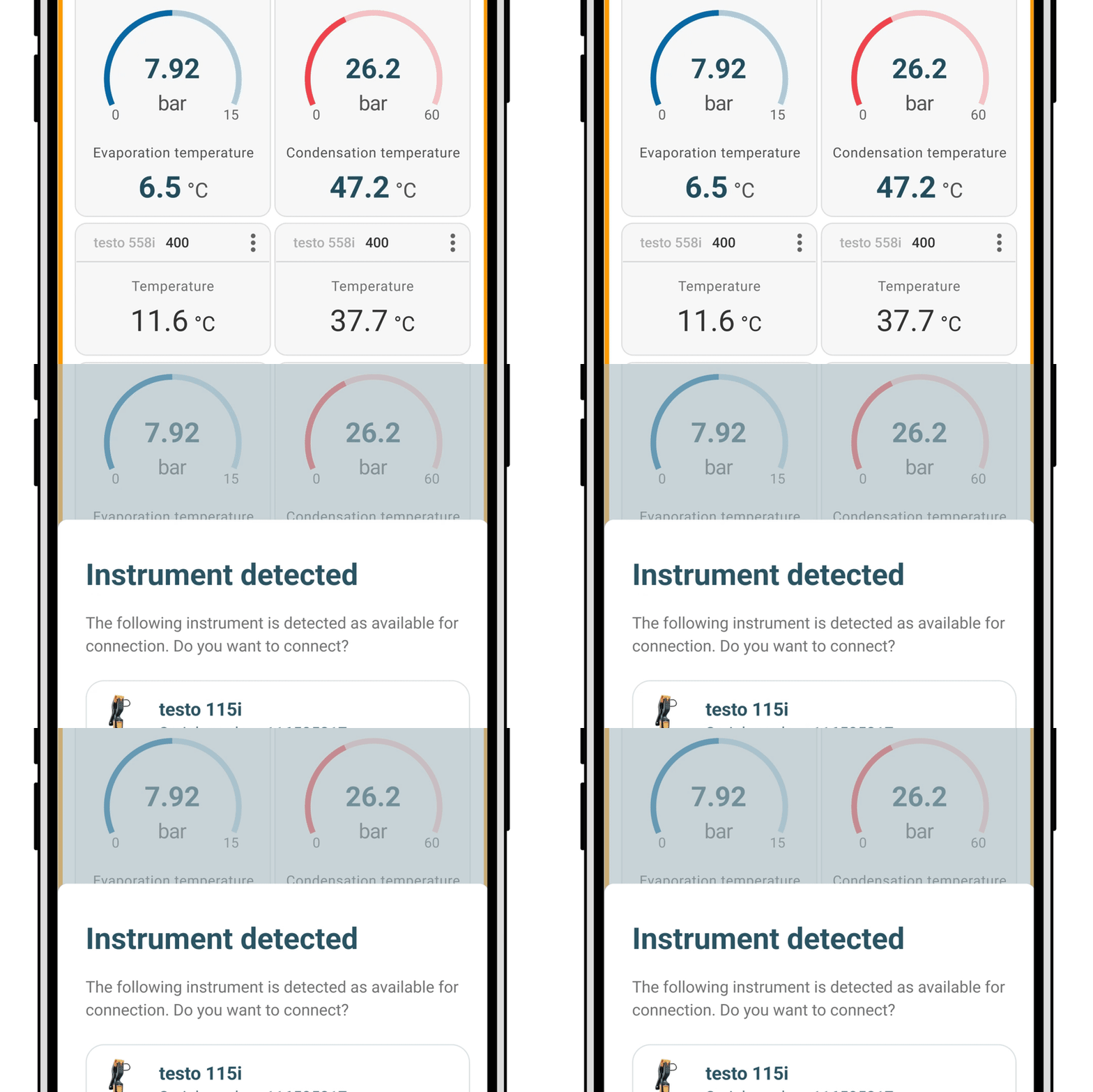
Use preconfigured setups – or easily create, save and reuse your own custom setups.
Intuitive operation
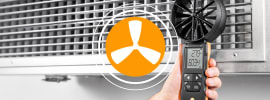
Thanks to the user-friendly, configurable interface, setting up measurements is quick and easy. Preconfigured measurement menus support specific applications such as overheating, subcooling, differential pressure and volume flow.Customization
Fine tune the measurement programmes and settings to your specific requirements and save them for future applications.Time savings
Less time is needed to prepare measurements; making measurements is also faster.
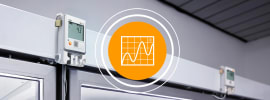
Intelligent analysis
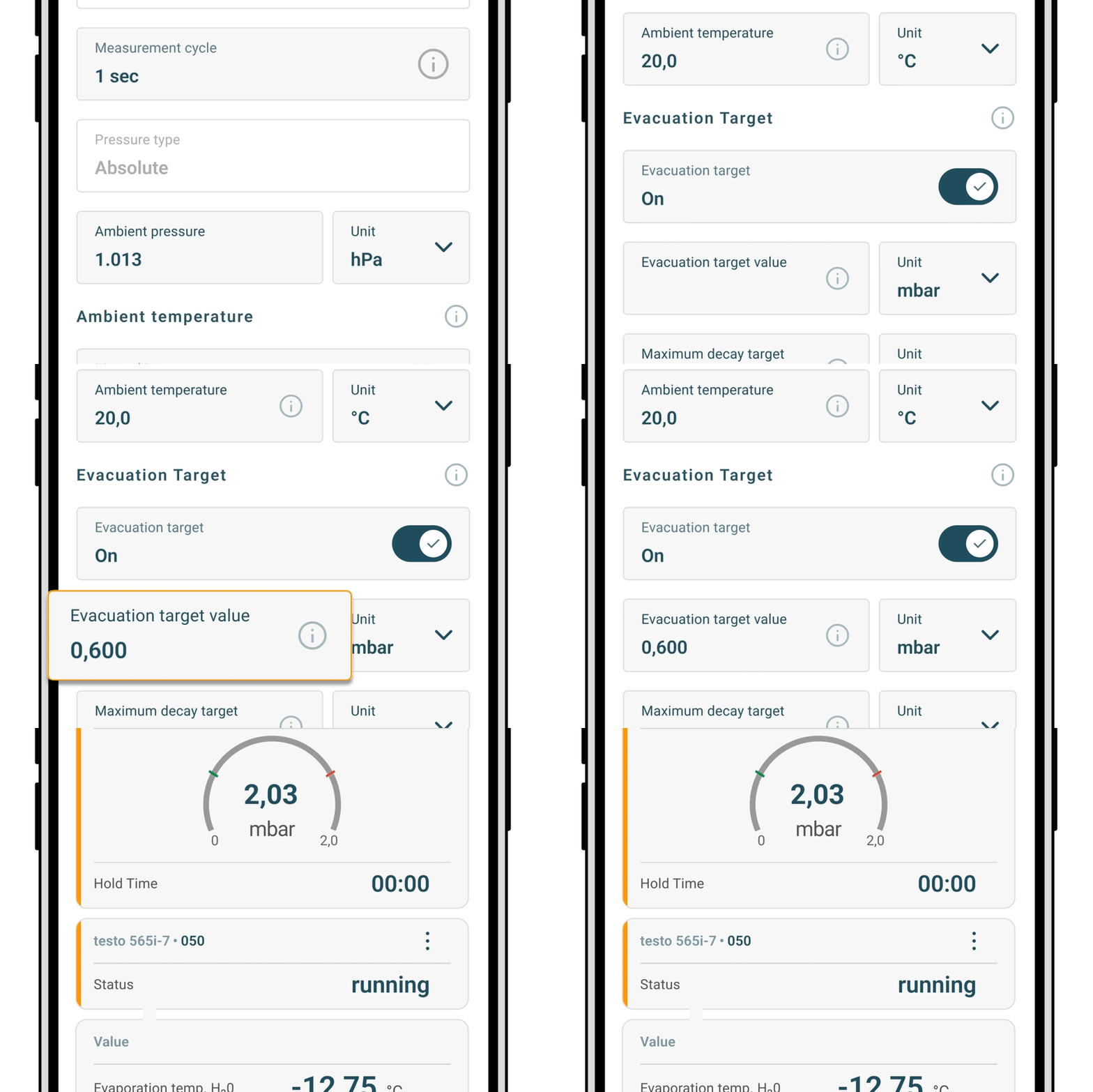
Different measurement and display options enhance precision and speed up fault diagnosis.
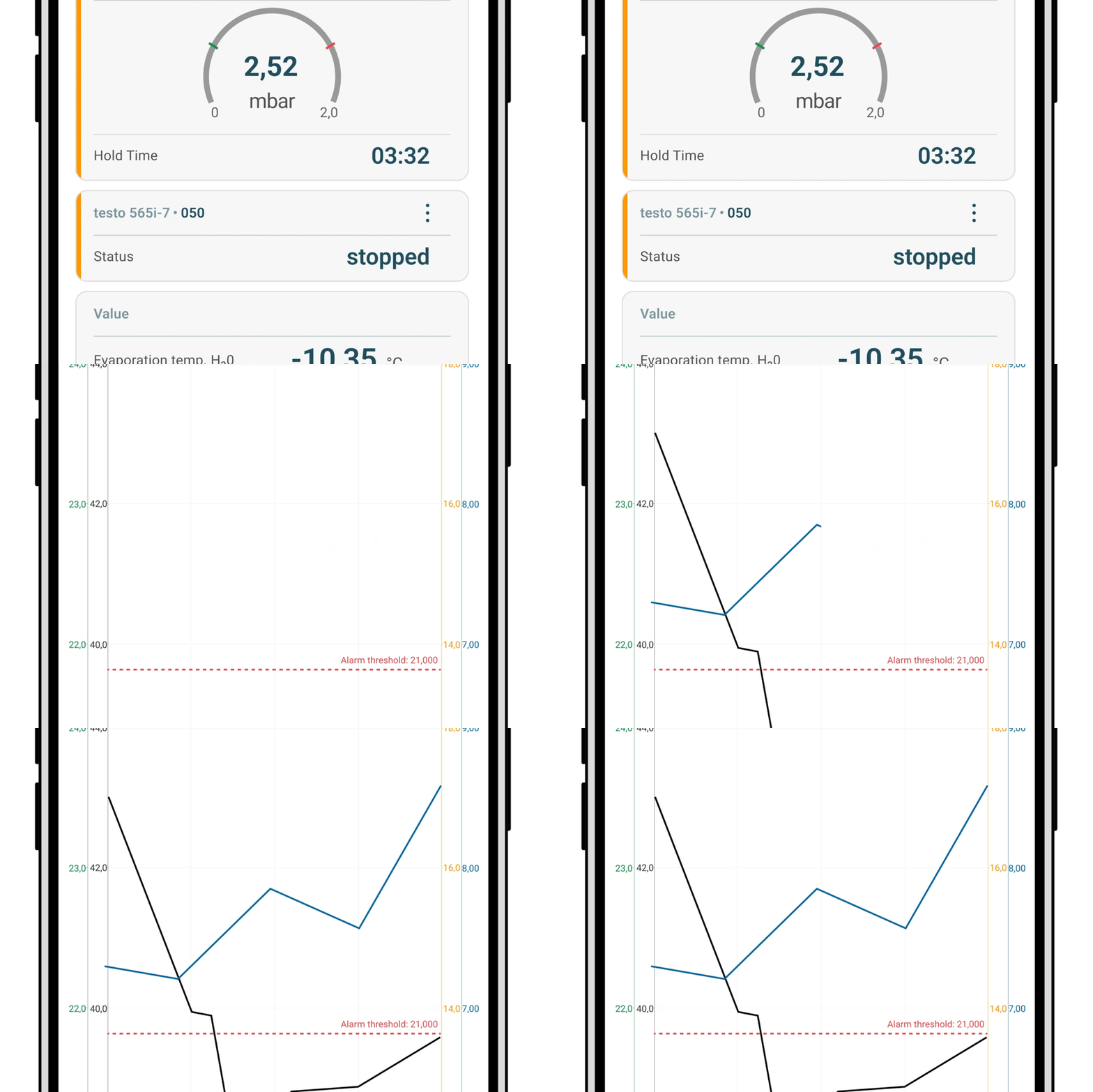
Parallel measurements
Significantly improve the diagnosis of problems through simultaneous monitoring of multiple measuring points.Remote control
Control your measuring instruments remotely for greater flexibility and more efficient work.Simplified fault diagnosis
Recognize faults faster thanks to intuitive graphs and automatic calculations, e.g. of target overheating, dew point or wet-bulb temperature.
Professional reporting
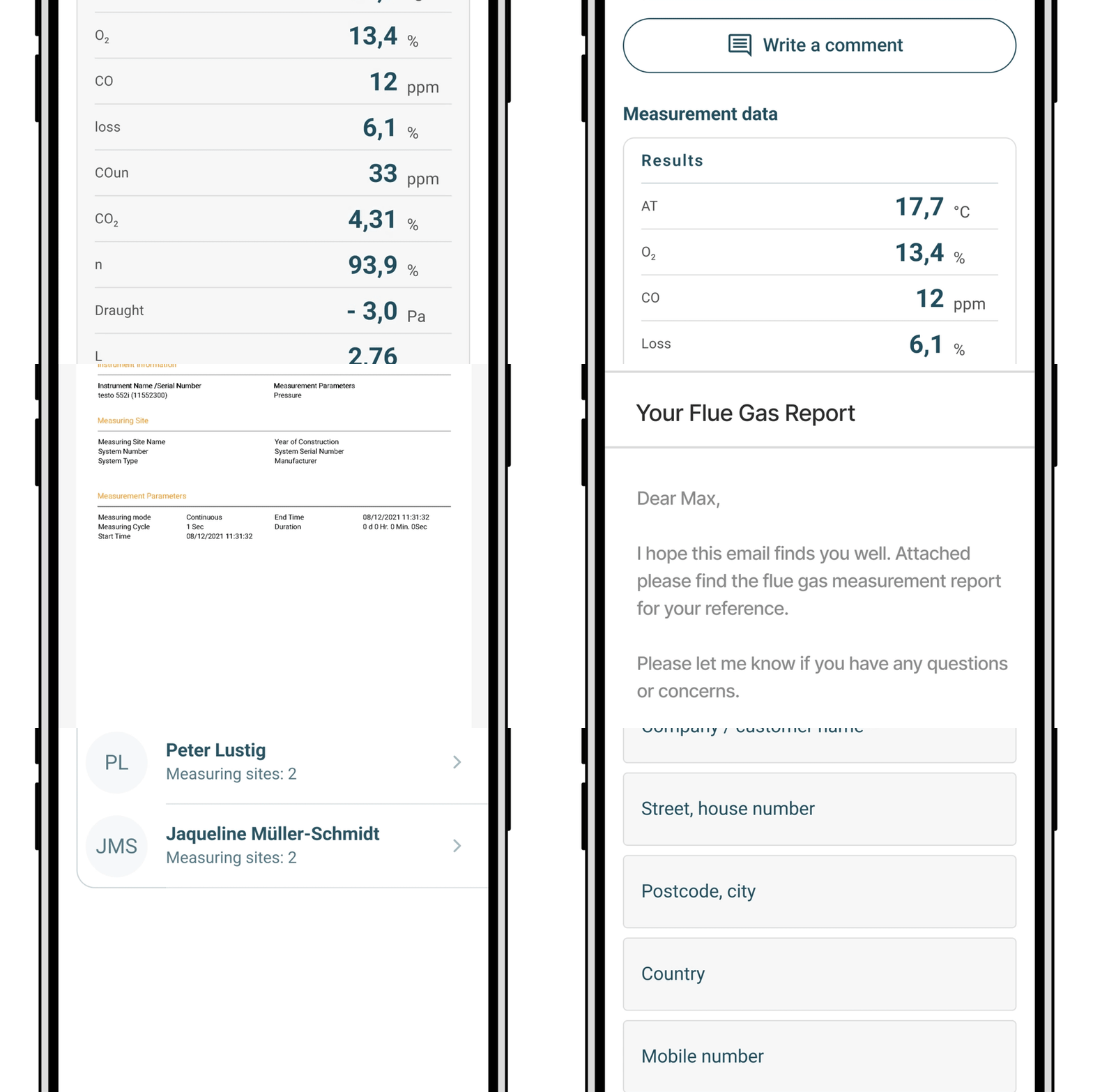
Easily create and share detailed reports, which you can add photos and comments to.
Automated reports
Quickly create digital measurement logs directly in the app and export them in PDF or CSV formats.Easy sharing
You can add photos and comments on site and sent them directly to customers or colleagues by e-mail.Reduce complexity
The reports are clear and contain all relevant measurement data, even from multiple sites – perfect for complex projects.
Boost your efficiency
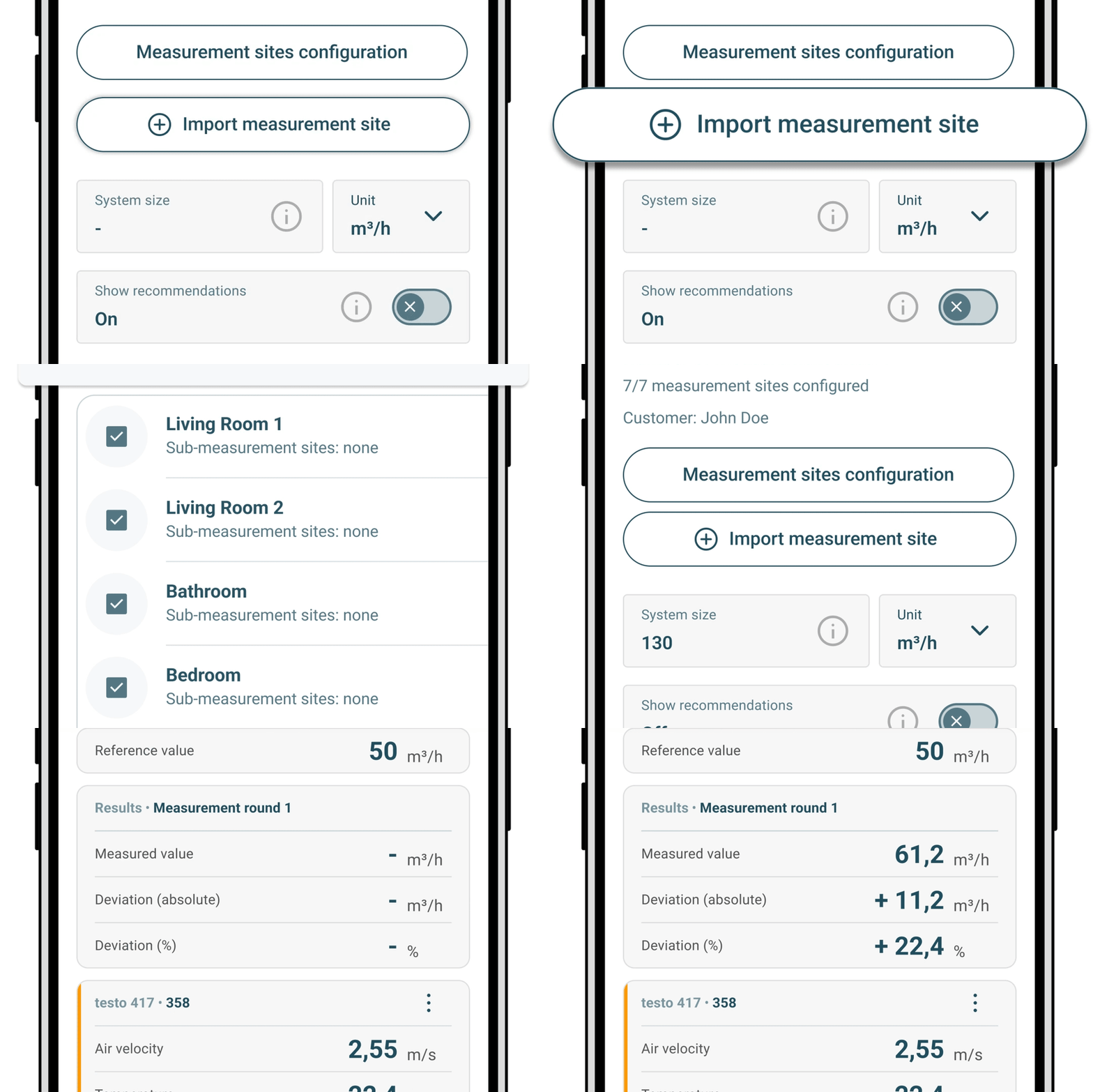
Save time and work more efficiently with our optional PRO features.
PRO measurement programmes
Optional “Air balancing” and “Multi-site measuring” programmes can save up to 30% of your time; available for a monthly subscription.Automation
Automatic calculations reduce your manual workload and enable faster operation.
Intuitive measuring programs
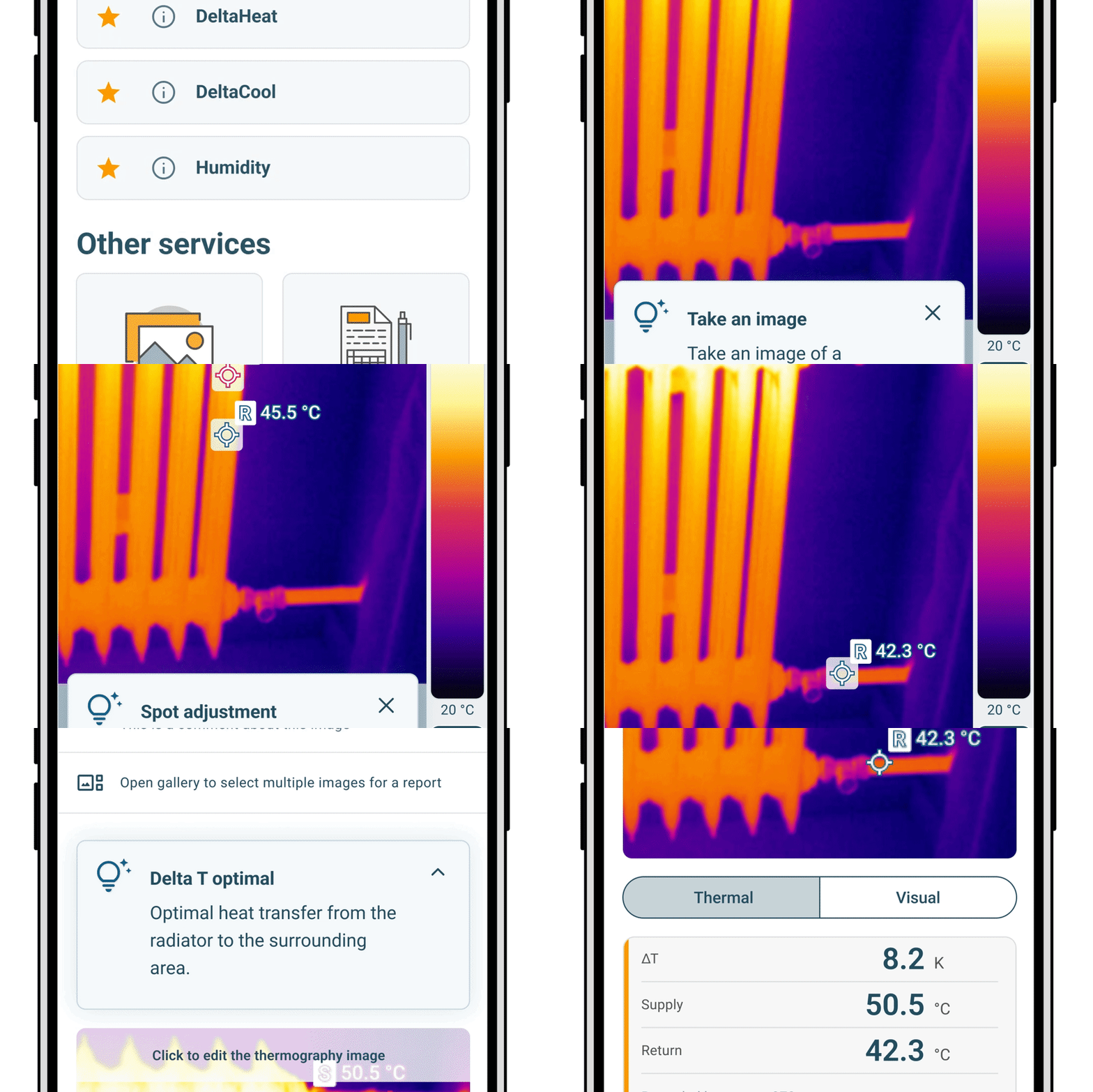
Get the exact information you need for quick spot checks in seconds with easy-to-use measurement programs.
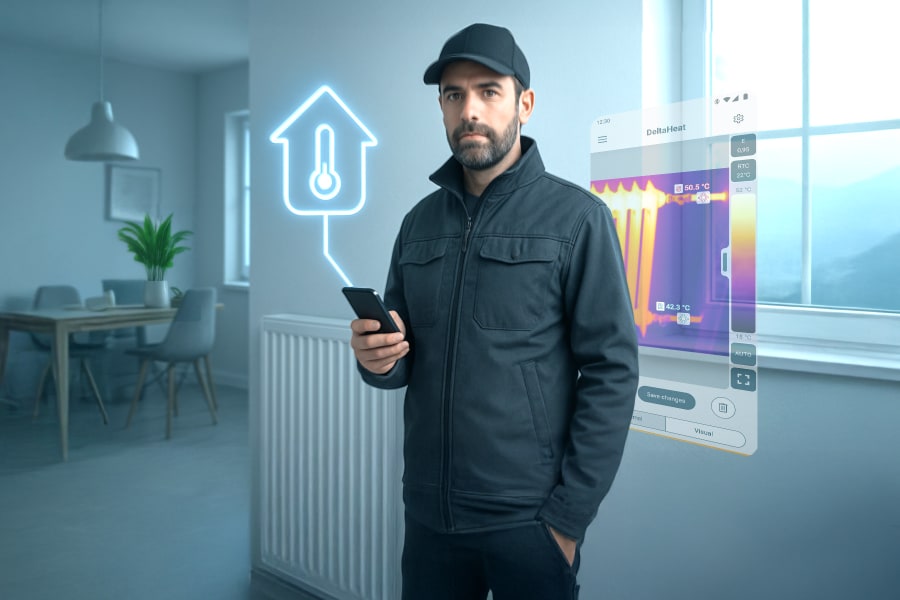
DeltaHeat
Quickly determine the temperature difference between flow and return on radiators.DeltaCool
Measure differential temperatures on air conditioning and refrigeration systems with step-by-step guidance.Humidity mode
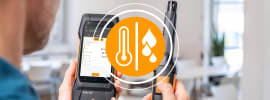
Assess the risk of mold in buildings using a simple traffic light system.
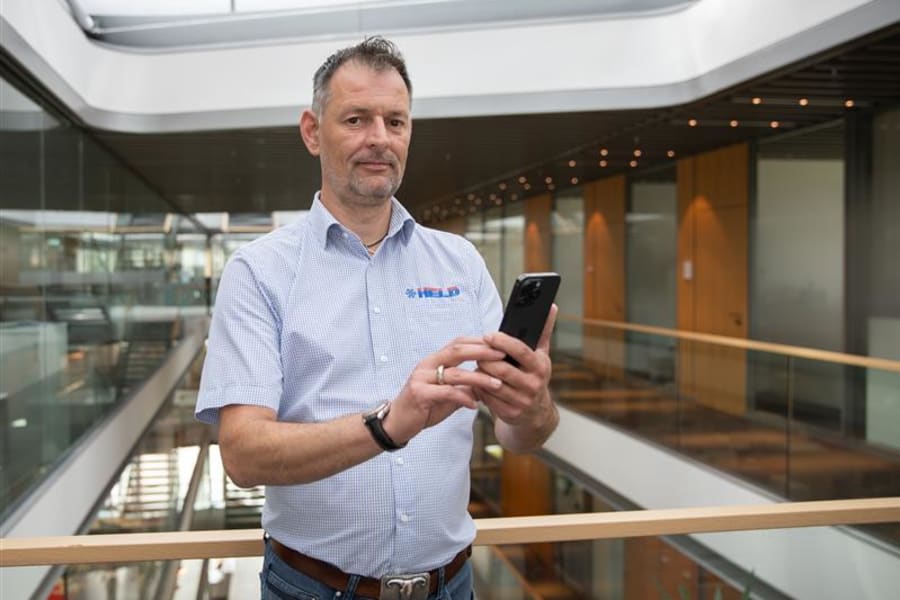
Business Owner
"The testo Smart App simplifies my daily work. I can easily save, share, and organize measurements in clear reports. Remote monitoring and control let me manage multiple systems at once. This way, my team can save a significant amount of time and effort."
Torsten Held
Kältetechnik Held GmbH
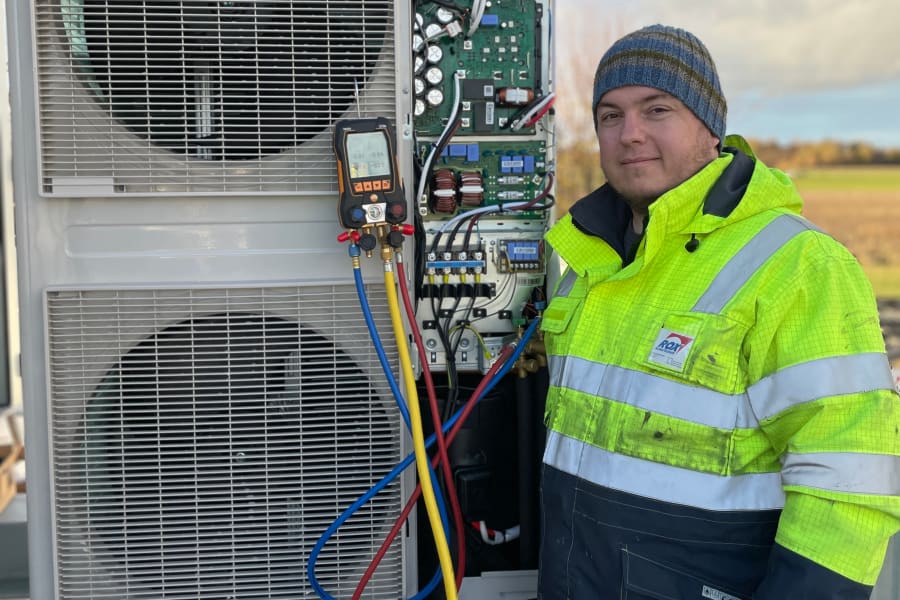
Field technician
"Thanks to the remote control, we can keep an eye on our ventilation system on the computer and at the same time see what the cooling system is doing on my mobile phone. It's a very convenient and efficient way to monitor our systems."
Andreas Becker
Rox Klimatechnik GmbH (ventilation system manufacturer)

Business Owner
"The combination of the testo 300 NEXT LEVEL with the testo Smart App is user friendly and time saving. I takes me a half hour less per customer."
Jovany David
Certify+ (inspections contractor)
How much does it cost?
The app comes with a wide range of free features. Two advanced measurement programmes are available for a monthly subscription fee
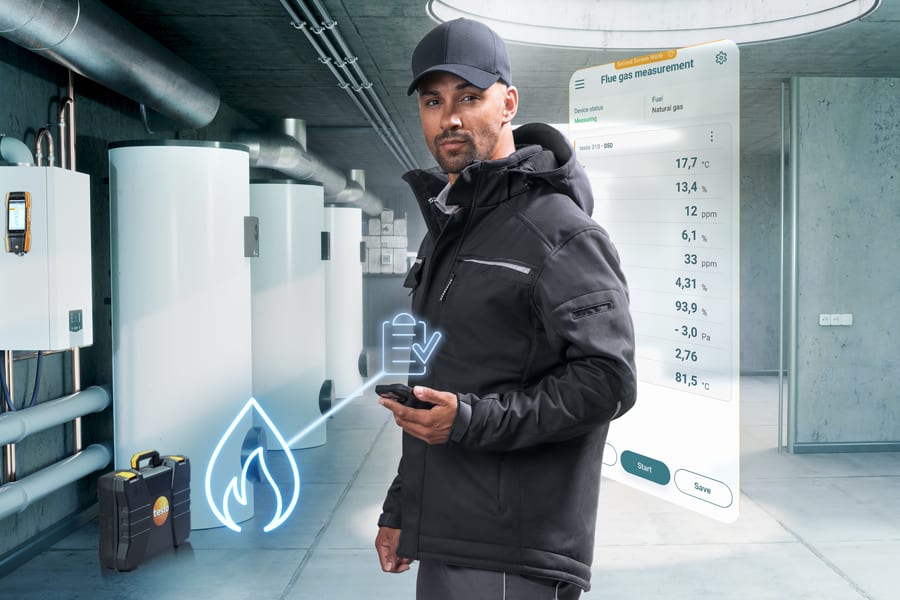
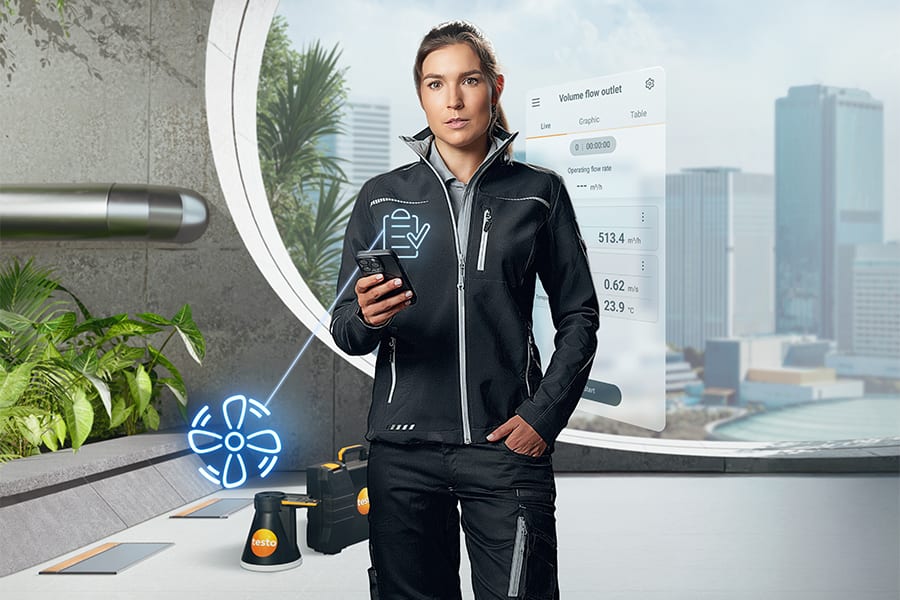

All about the HVAC/R world of Testo
FAQ
The testo Smart App is a mobile application that connects to Bluetooth-enabled Testo measuring instruments, allowing users to perform measurements, view data and generate reports for HVAC/R systems.
You can find a list of all supported Testo instruments here.
Activate Bluetooth on your mobile device, switch on your Testo instrument, then open the testo Smart App. The app will automatically detect and connect to your instrument without the need for manual pairing.
The basic version of the app is free to download and use. It includes a wide range of features. Access to certain PRO measuring programmes requires a subscription.
PRO measuring programmes are advanced features within the app that automate measurements and documentation for specific applications, such as air balancing and multi-site measuring. These programmes are available through a subscription model.
Updates are available through the Google Play Store, Apple App Store or App Gallery. Ensure that automatic updates are enabled to benefit from the latest releases.
Measurement data can be saved as PDF or CSV files. You can include photos and comments in your reports and share them via e-mail directly from the app.
The necessary permissions have most likely not been granted. To do this, go to your mobile device’s settings and search for the testo Smart App, then activate permissions such as Bluetooth and Local Network.
Depending on the mobile device, up to nine instruments can be connected.
If you are encountering connection issues, please contact your local Smart App support team here: appsupport@testo.de
Please refer to our Privacy Policy.
Yes, using the DataControl software on your desktop or laptop computer with Windows installed. Learn more here.
No, the app uses Bluetooth and then stores the data locally on your phone.
Free of charge, full of value.
Our latest HVAC/R magazine gives you insight into the most important technological trends in the industry – and the tools you need to stay ready for change. You’ll also find expert tips and real-world examples that help you work more efficiently with testo instruments.
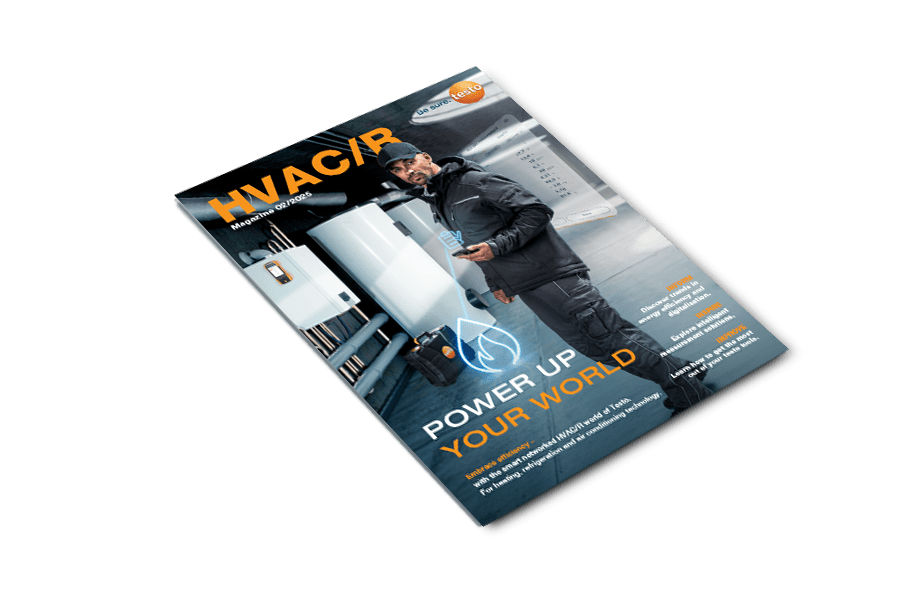
Trend radar: smart tools, smart homes, smart data
AI and automation on site
Digital assistants in times of skilled labour shortages
Thermography meets heating technology
Field-tested tips from HVAC/R pros